📦 Appliance admin guide
This guide is for whoever installs and looks after the appliance: the signed, single-node operating system Sneakers-PAM runs on. It's a separate job from running the Sneakers-PAM site itself — the admin guide covers folders, permissions and the rest; the appliance admin page never shows a secret.
🧭 In this guide
- 🖥️ Install: deploy the signed OVA on VMware ESXi or the qcow2 on Proxmox VE, checking the signature first. The getting started guide has the downloads.
- 🔧 First setup: the console's setup code, the
:8443admin page, the first appliance admin, the recovery keys, and installing and setting up the product itself. - 🌐 Network: changing the address, gateway, DNS and host
name on
:8443, over SSH or on the console, staged and then committed. - 📧 Email: the mail relay Sneakers-PAM sends through, its TLS and authentication settings, pinning a relay's certificate, sending a test, and what to do when the test fails.
- 🔐 Protection levels: full vs reduced protection, the TPM and key-file custody modes, and Secure Boot.
- 🔄 Updates: the Base OS, Base Web and Product cards, which offer is preferred, a release the check skips, and how a revert works.
- 💾 Backups and restore: the nightly database backups on the box, and cutting, exporting and restoring a named backup set.
- 📡 Telemetry: sending the services' traces, metrics and logs to an OpenTelemetry collector you run.
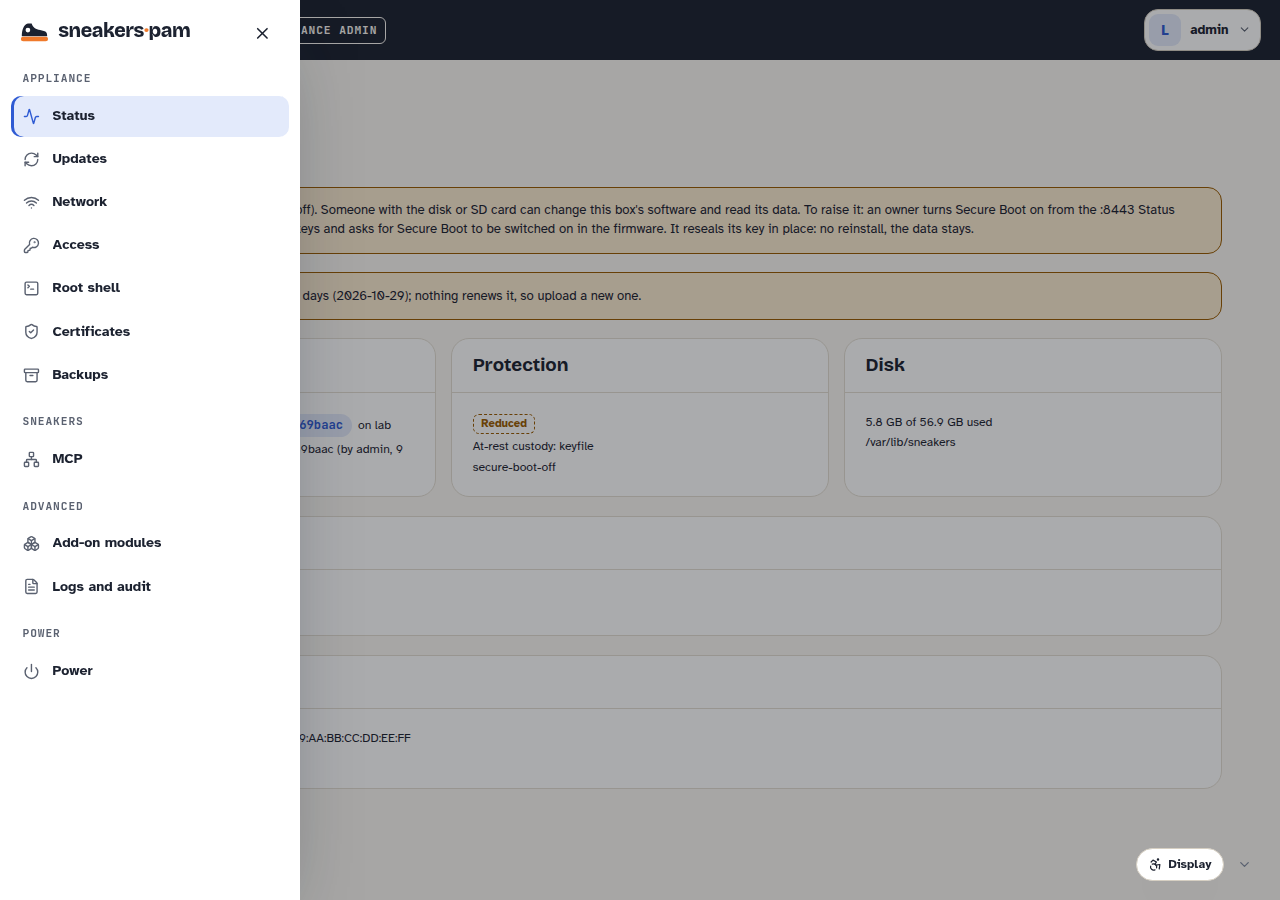
- 🖧 Console and shells: the physical/serial console, SSH with box-issued keys, the closed shell, the root shell, and the MCP switch.
- 🛠️ Troubleshooting: read-only diagnostics: the support bundle, logs and known issues. No workarounds: a real problem gets a real fix in a build.
🧩 One box, two admin surfaces
| Surface | What it's for | Who uses it |
|---|---|---|
:8443 | The box itself: network, certificates, updates, backups, admins, recovery keys, protection, and the product's email and telemetry settings | An appliance admin |
| The product's own sign-in (443) | Sneakers-PAM: folders, secrets, users, policies | Everyone, per their role |
An appliance admin can look after the box without ever seeing a secret, and a Sneakers-PAM site
admin can run folders and policies without ever touching :8443. The same person often does both
on a small install, but the two jobs — and the two audit trails — stay separate.